Open a PSD
Open a three-layer practice file, make a small change and export a PNG.
Independent getting-started guide
Choose a download, open your first PSD, and make a simple edit.
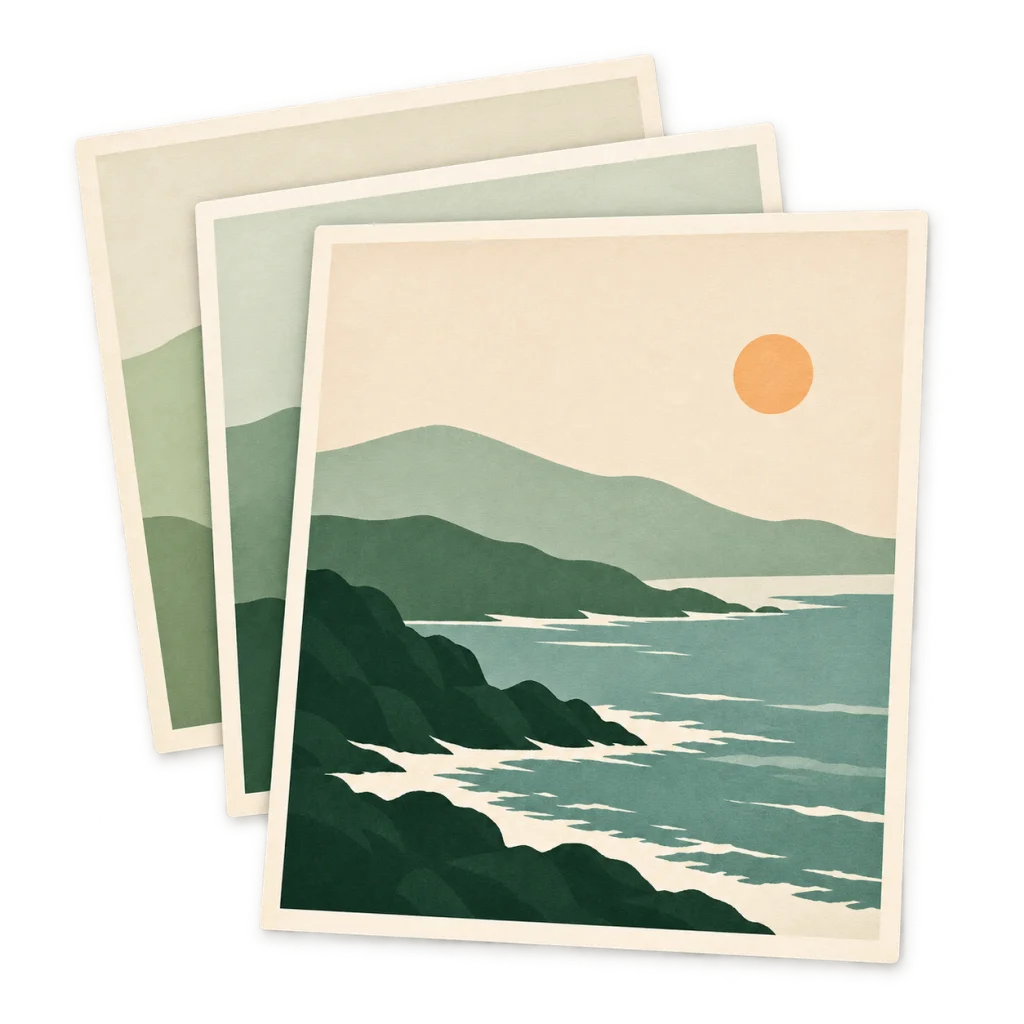
Open a three-layer practice file, make a small change and export a PNG.
Change a poster headline and reopen the PSD in PhotoCraft to check the text layer.
Export a transparent PNG and compare it with a JPEG from the same sample.